Creator Program

Launch your creator identity and run it from one premium studio.

Application, review decisions, content uploads, and public go-live stay connected in one continuous flow.
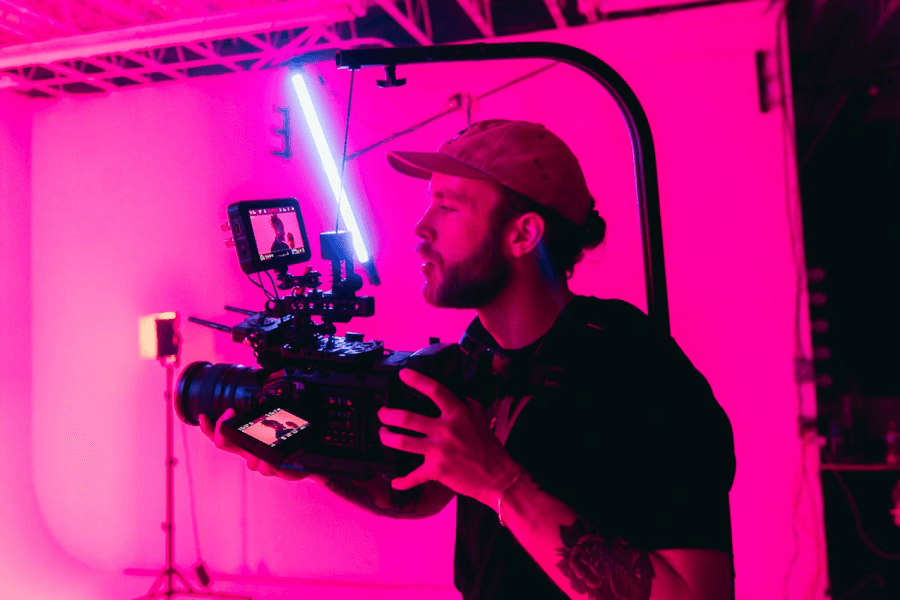

AI creator concept
Creator intake
AI and human profiles
Review workflow preview
Review loop
Draft, submit, fix, approve
Creator studio preview
Studio access
Upload and publish after approval
Creator program spotlight
Program spotlight
From application to live creator presence
This landing page should feel like a product invitation, not a text-only intake document.
Applications
0
Drafts and submitted applications stay visible so creators can return without losing context.
Approved Creators
0
Approved active creators merge into the public feed and creator pages.
Pending Assets
0
Submitted creator uploads currently waiting in the content review queue.

What this flow now covers

The flow is designed to feel obvious on first use while staying aligned with the rest of the premium SkillFans product.

Creator workflow for applicants
For creators

Apply as an AI Virtual Creator or Human Creator.

Save drafts, submit, receive change requests, and unlock the Creator Studio when approved.

Upload images or videos, classify visibility, and manage content through review to live status.
Admin workflow for review teams
For admins

Review creator applications directly inside the Creators console.

Manually create creators, update active/paused status, and keep the public roster in sync.

Approve assets into live public content with immediate publication updates.

Experience principles

The implementation follows the same premium dark language as the rest of the product.

Unified creator intake
One international-grade flow for AI virtual idols and human creators, with the right fields shown at the right step.
Fast review decisions
Review teams can request changes, approve creators, and move content live with clear status updates.
Compliance-aware UX
AI labeling, originality acknowledgements, and creator-type-specific disclosures are baked into the interaction model.

Creator path at a glance

The UI is designed to feel obvious even on first use, with minimal dead ends and a clear path from application to live publishing.

Creator step 1
Step 1
Choose AI or Human creator mode.
Creator step 2
Step 2
Shape the profile, proof, and compliance data.
Creator step 3
Step 3
Get reviewed, approved, and unlock the studio.
Creator step 4
Step 4
Upload assets, submit for review, and publish live.